
Download
Get SensiNote
One app, iPhone and iPad. Free to start, nothing to sign up for.
- Price
- Free, with ads
- Remove ads
- $2.99, one purchase
- Platform
- iPhone · iPad
- Requires
- iOS 17 or later
- Storage
- Your device and your iCloud
- Account
- Not needed
- Languages
- 10
A look around
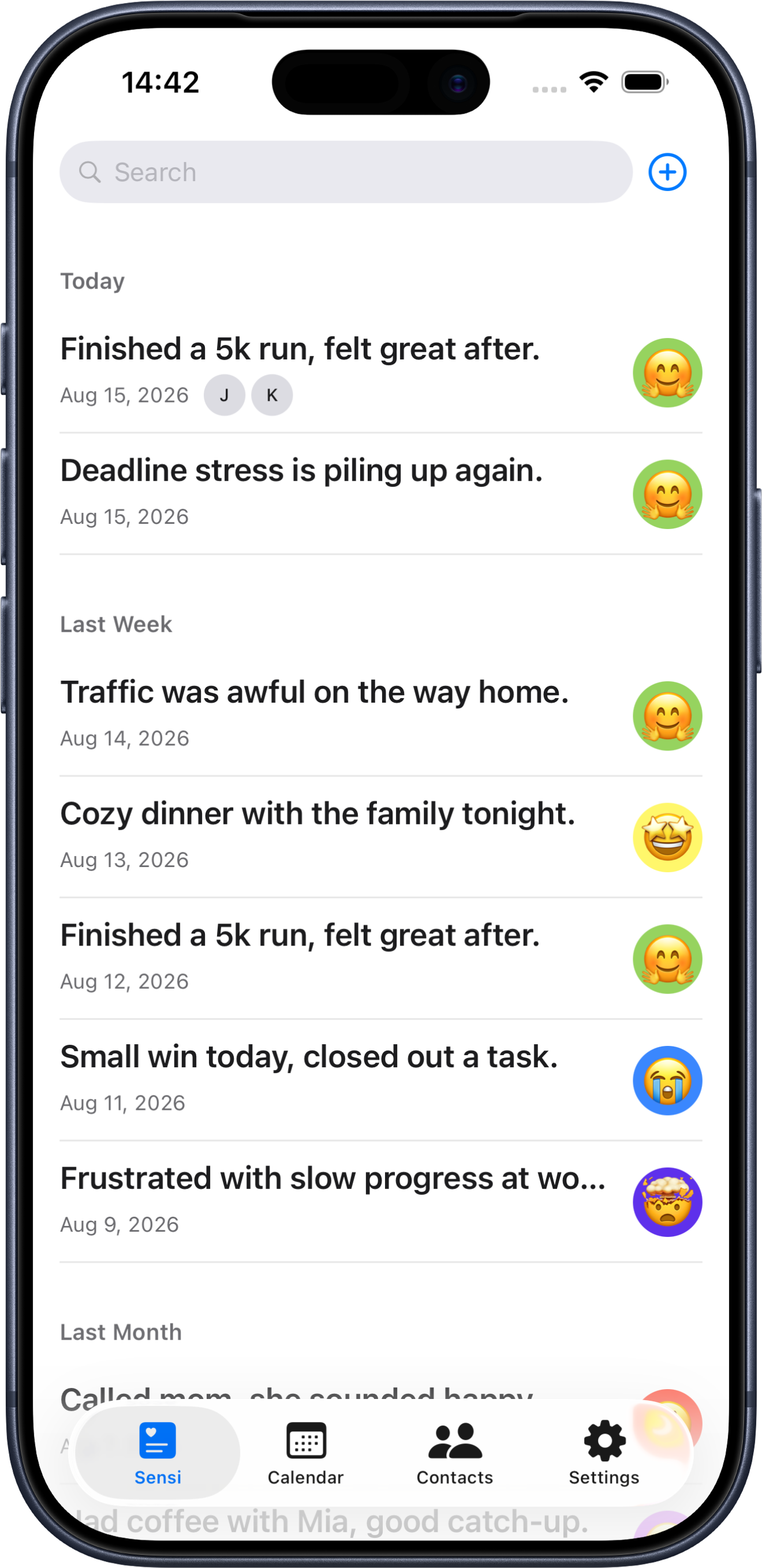
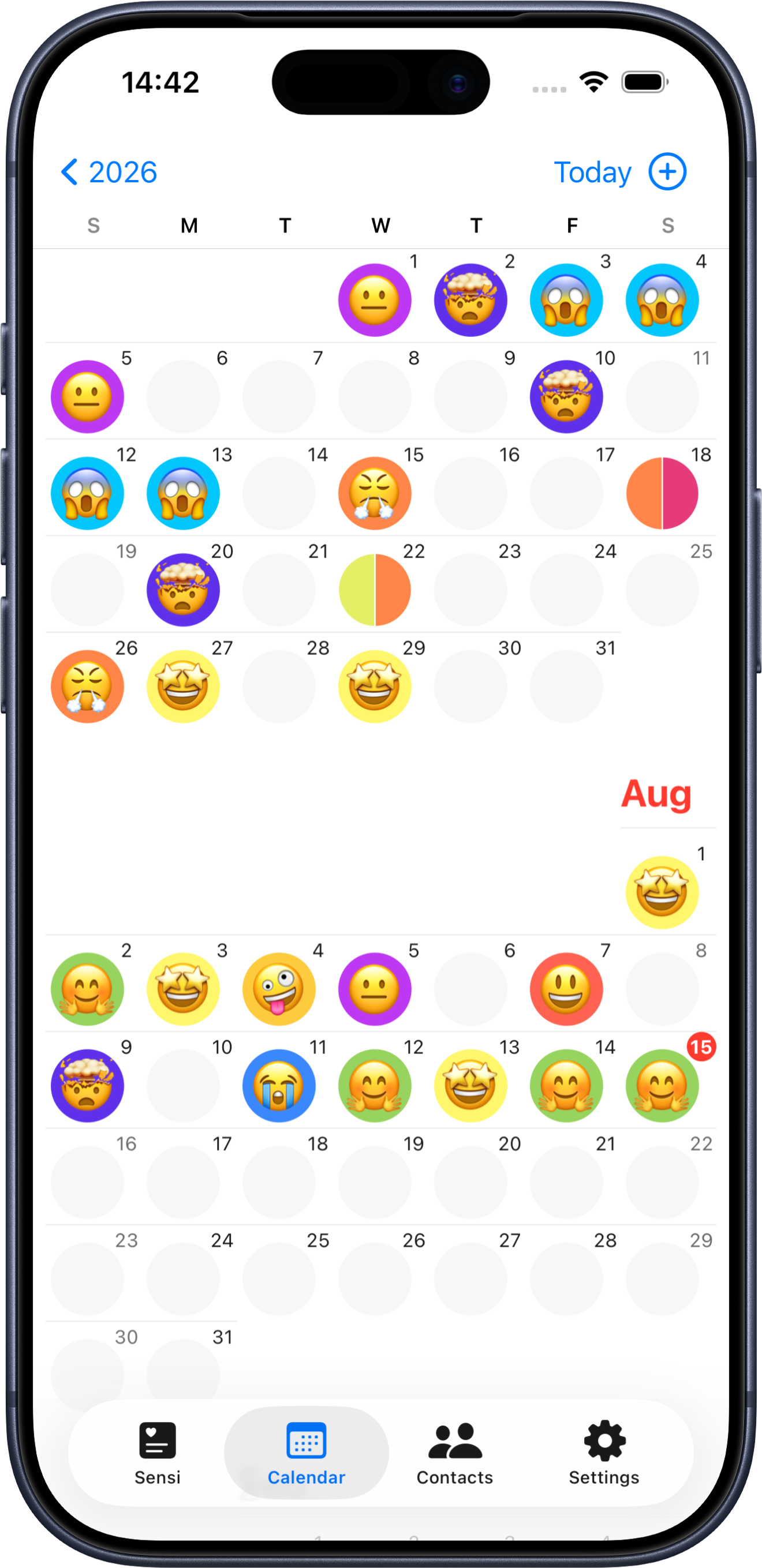
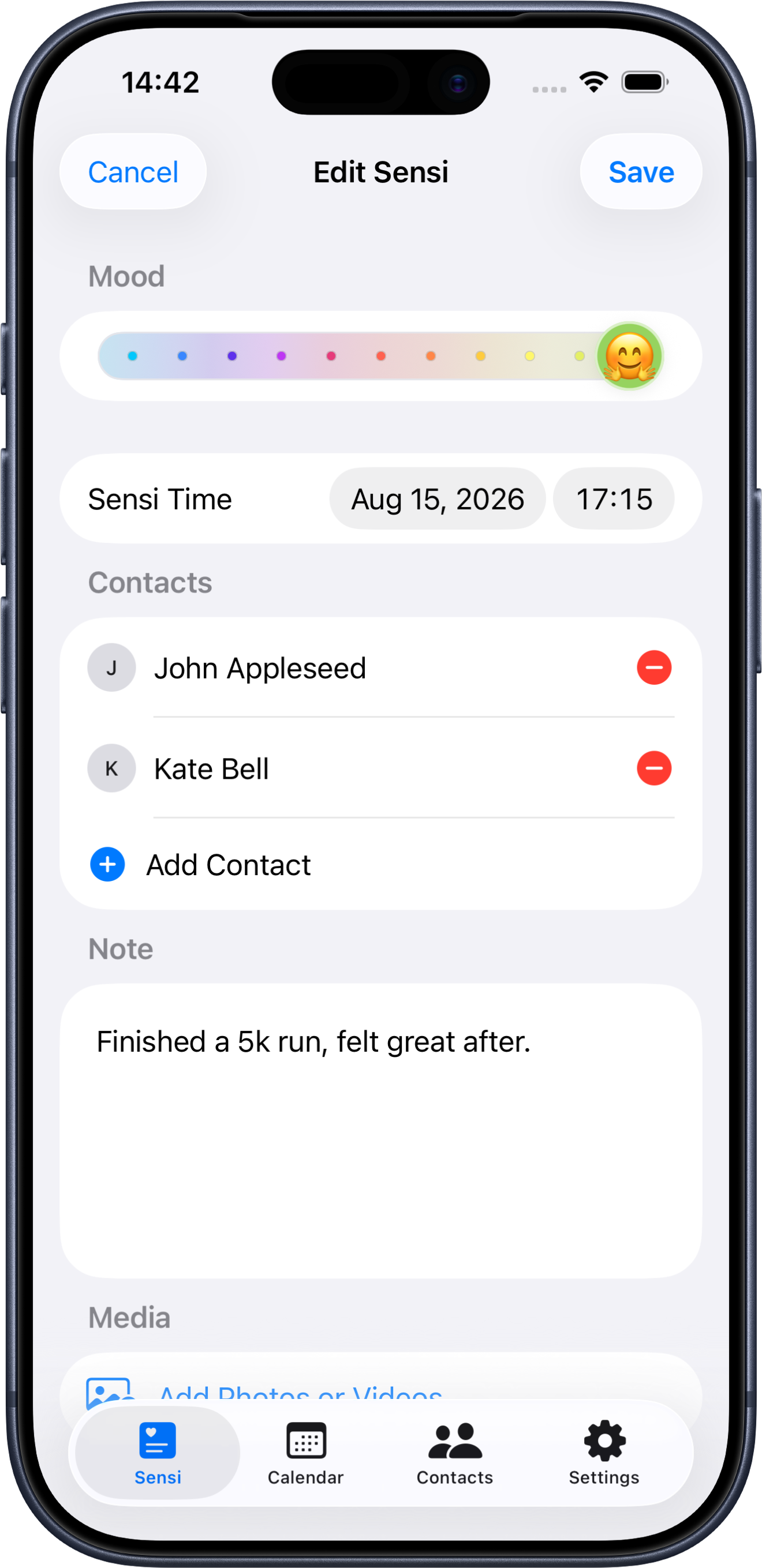
The same screens on iPhone and iPad, in whichever theme your system is set to.
After you install
- 1
Log the first one
Pull down on the Sensi list and let go. Slide the pill to how the day went, write a line, save.
- 2
Bring in the people who matter
Open Contacts, tap the import button, and pick from your address book. Their photo, phone, email and address come across.
- 3
Set your reminder
Settings holds the daily nudge — 19:00 out of the box, moveable to any time you like.
- 4
Make the scale yours
Still in Settings: eleven colour wells and eleven faces, one per step. Change any of them.
Available in
- English
- Deutsch
- Español
- Français
- Italiano
- 日本語
- 한국어
- Nederlands
- 简体中文
- 繁體中文